Concierge Hub Guide
Ireland and France 2026
Penn State College of Nursing, Tour 6491
Getting Started
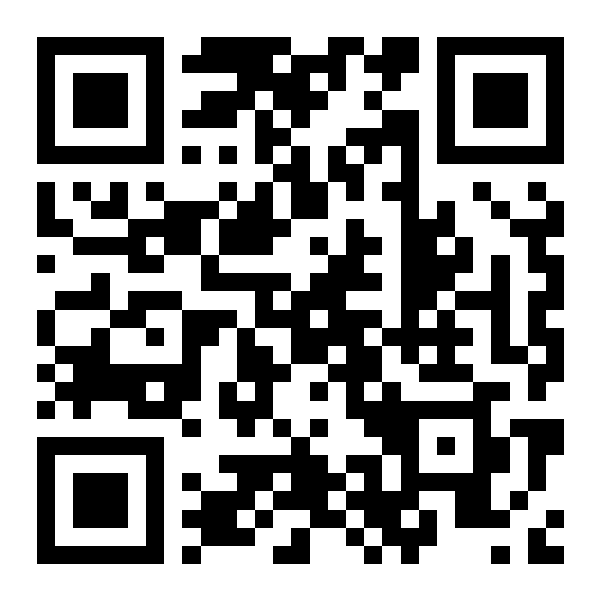
To view your trip information, tap https://yourtour.info/?tour=6491, or scan this QR code with your phone camera.
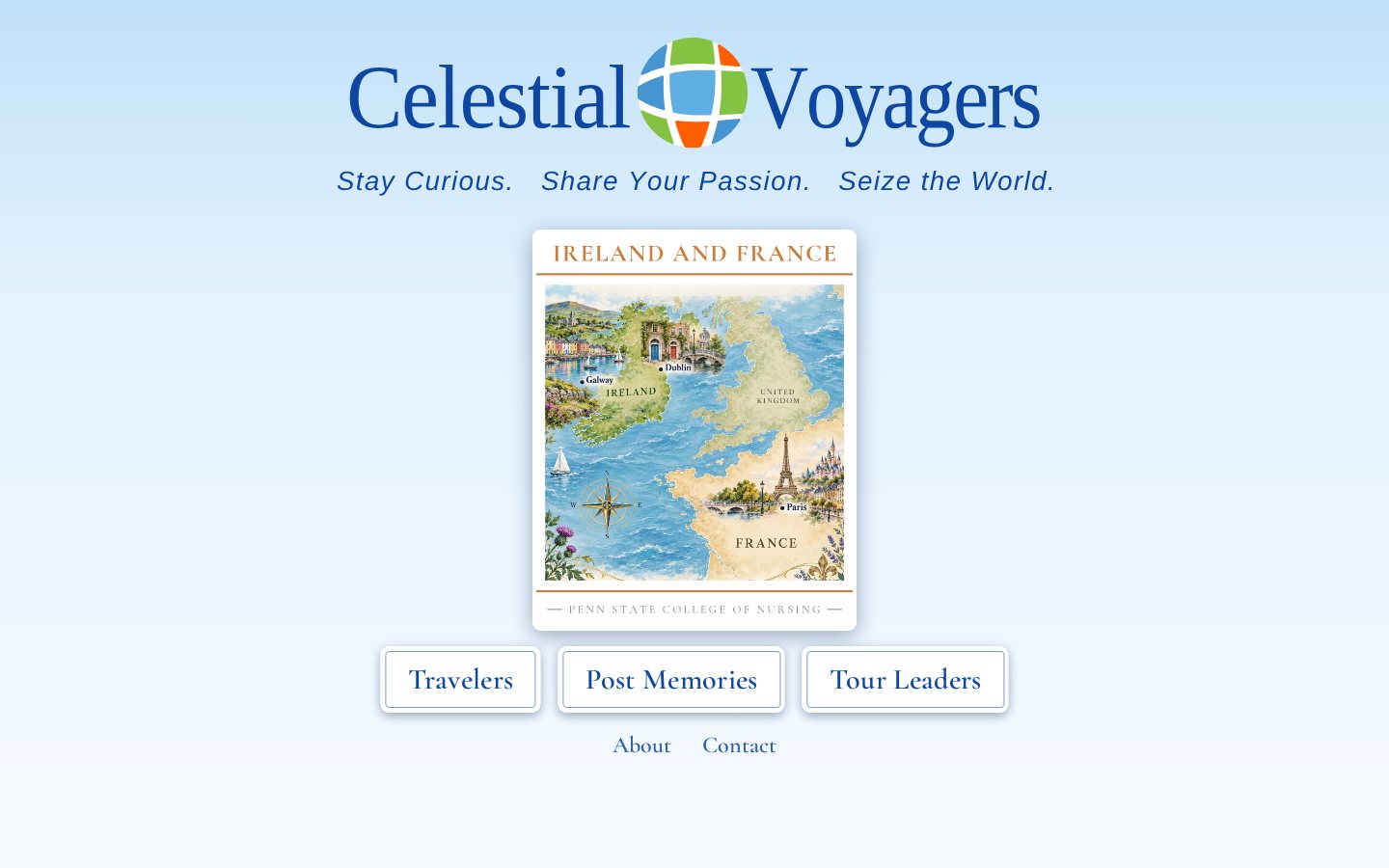
You will arrive at the Concierge Hub. It looks like this on a computer and on a phone.
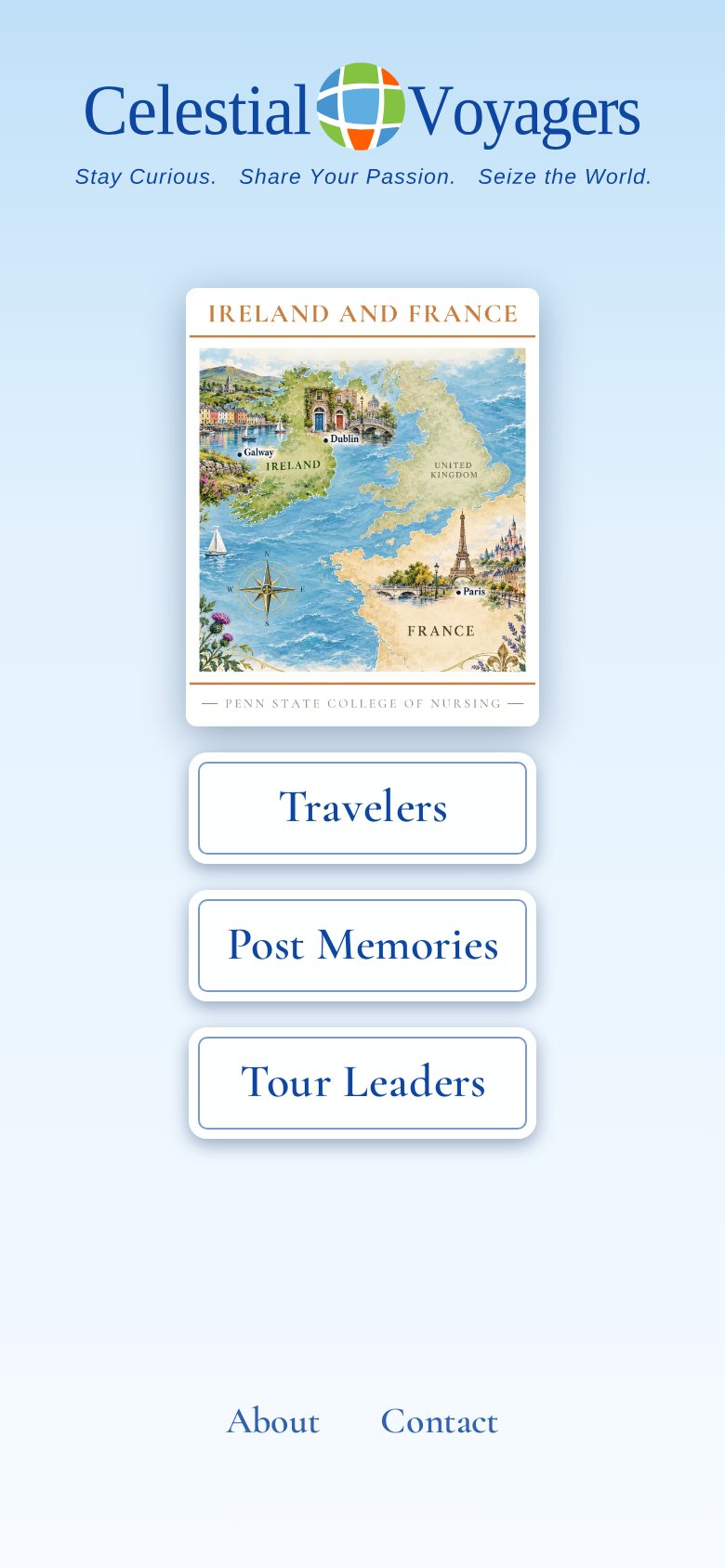
Step 1: Travelers
Tap Travelers. This opens the Group Members site with your Traveler’s Booklet.
Flip through the Booklet, or use the search bar for answers to specific questions.
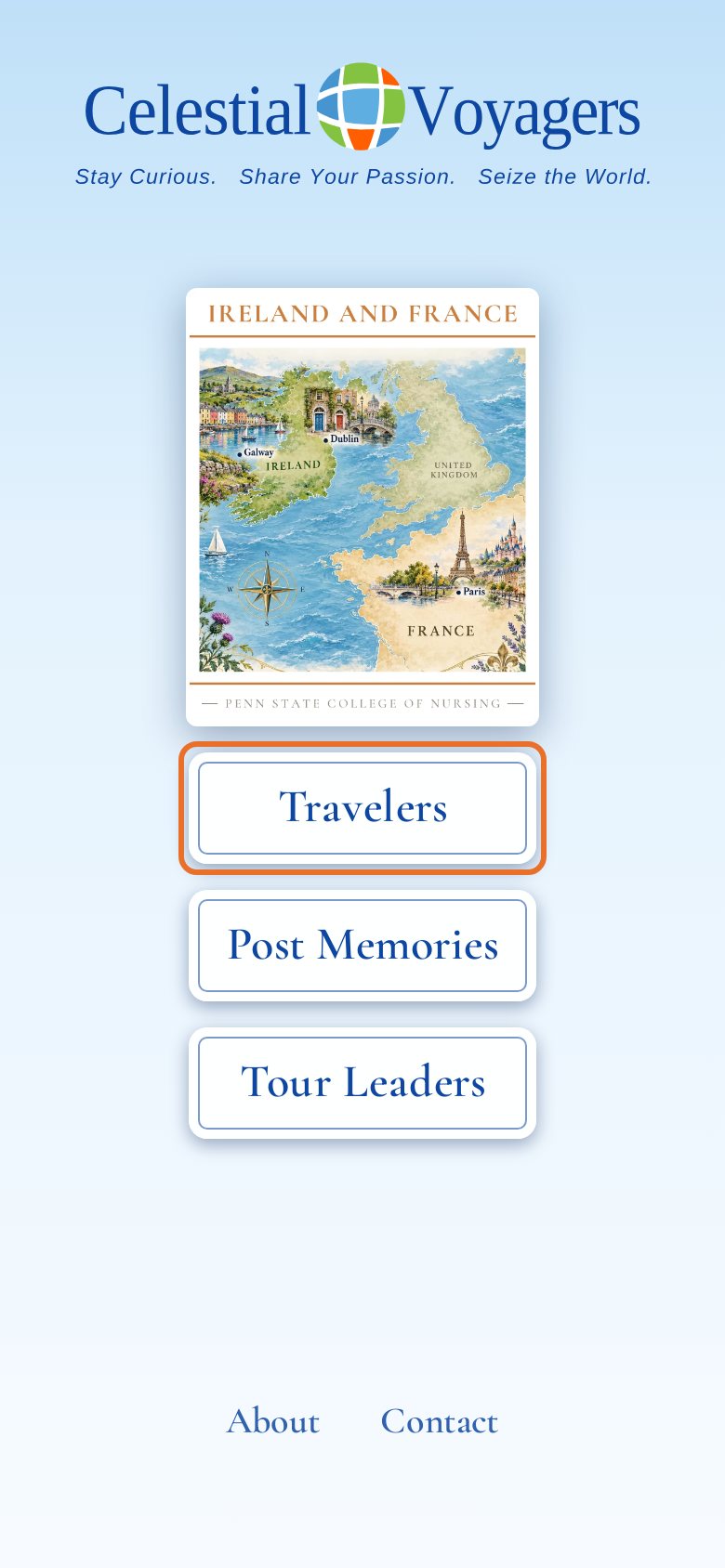
Step 2: Download PDF
At the top of the Travelers page are three buttons. Tap Download PDF, the first button, to save a personal copy of the Booklet.
A paper copy will be handy for times when Internet service is weak or unavailable.
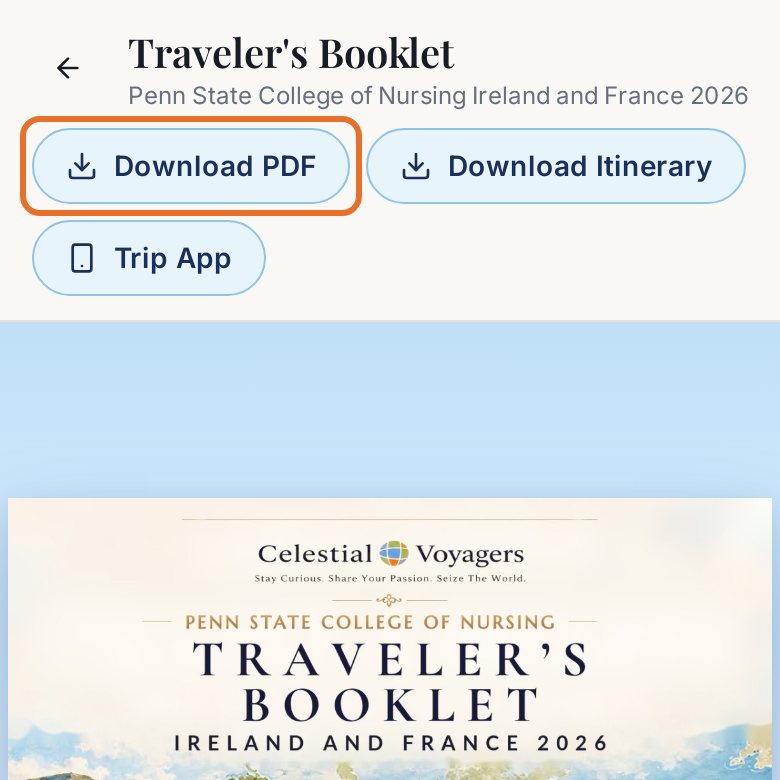
Step 3: Trip App
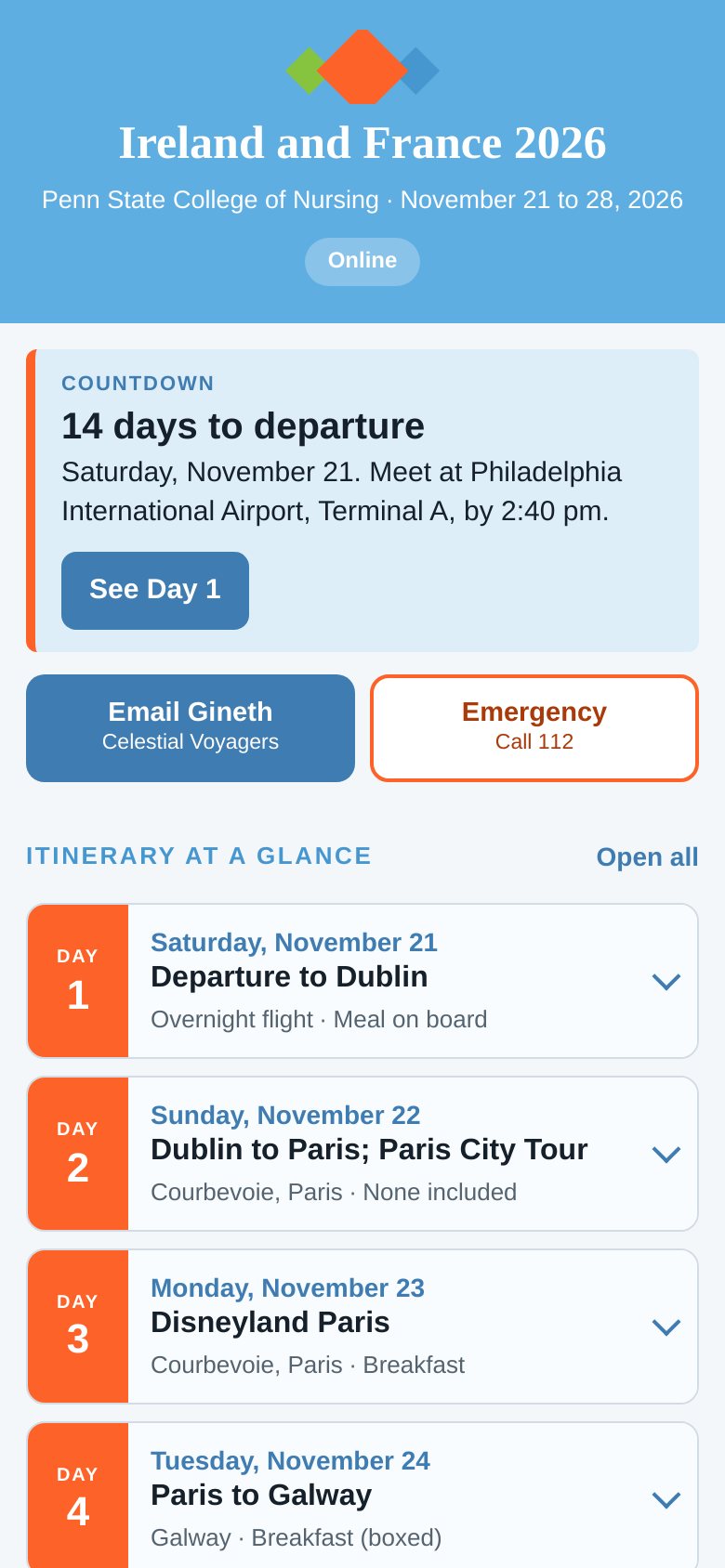
Tap Trip App, the third button. The Trip App shows your countdown, your day-by-day itinerary, who to call, where you stay, and your flights, all on your phone. Once opened, it saves itself on your phone and works without a signal.
Step 4: Post Memories
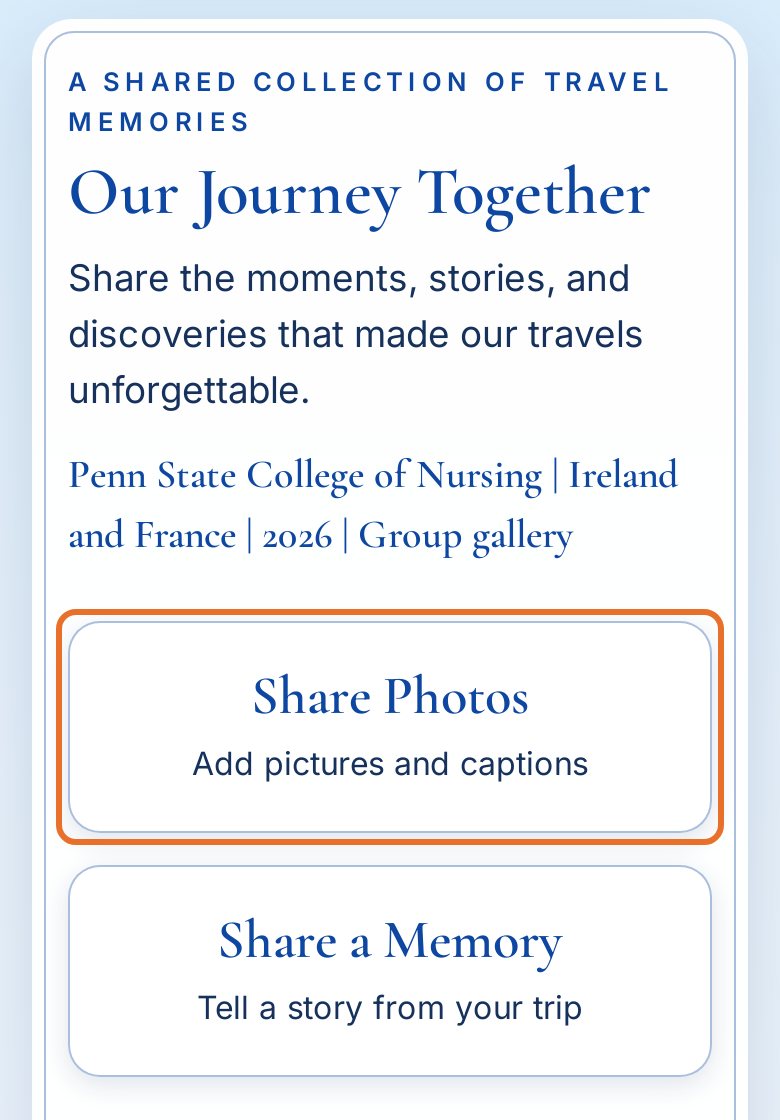
Back at the Concierge Hub, tap Post Memories, the center button between Travelers and Tour Leaders. Then tap Share Photos to upload your pictures.
You may choose to share your photos with the group or keep them private, and you may forward them to your own social media.
This collection of memorable experiences will be available for you to download after you return home.